PLATFORM ACode
Code
Foundations
For people who want to understand how web pages and simple scripts are assembled.
ExploreWedomari is an English-language IT course station built around real handoffs: from a question, to a working model, to a clear explanation of what happens next.
A first route is simply a useful next direction. Select the kind of problem that holds your attention and we will surface the course language, first exercise and a sensible companion platform.
Start with HTML, CSS and JavaScript as a connected system. Practice reading a brief, naming what belongs where and testing one change at a time.
Open the platformEach platform is a welcoming first station, not a fixed destination. They share a common practice: observe, make a move, test the route, then record what changed.
For people who want to understand how web pages and simple scripts are assembled.
Explore
For people who prefer spotting patterns, checking assumptions and explaining a finding.
Explore
For people drawn to reliable handoffs, diagnostics and calm communication.
ExploreShort laboratories make the handoffs visible. One challenge leads into the next with a different tool, a different role or a clearer explanation.

Translate a request into a compact plan, a question list and a testable next step.

Trace how a form, a stored value and a response meet one another.
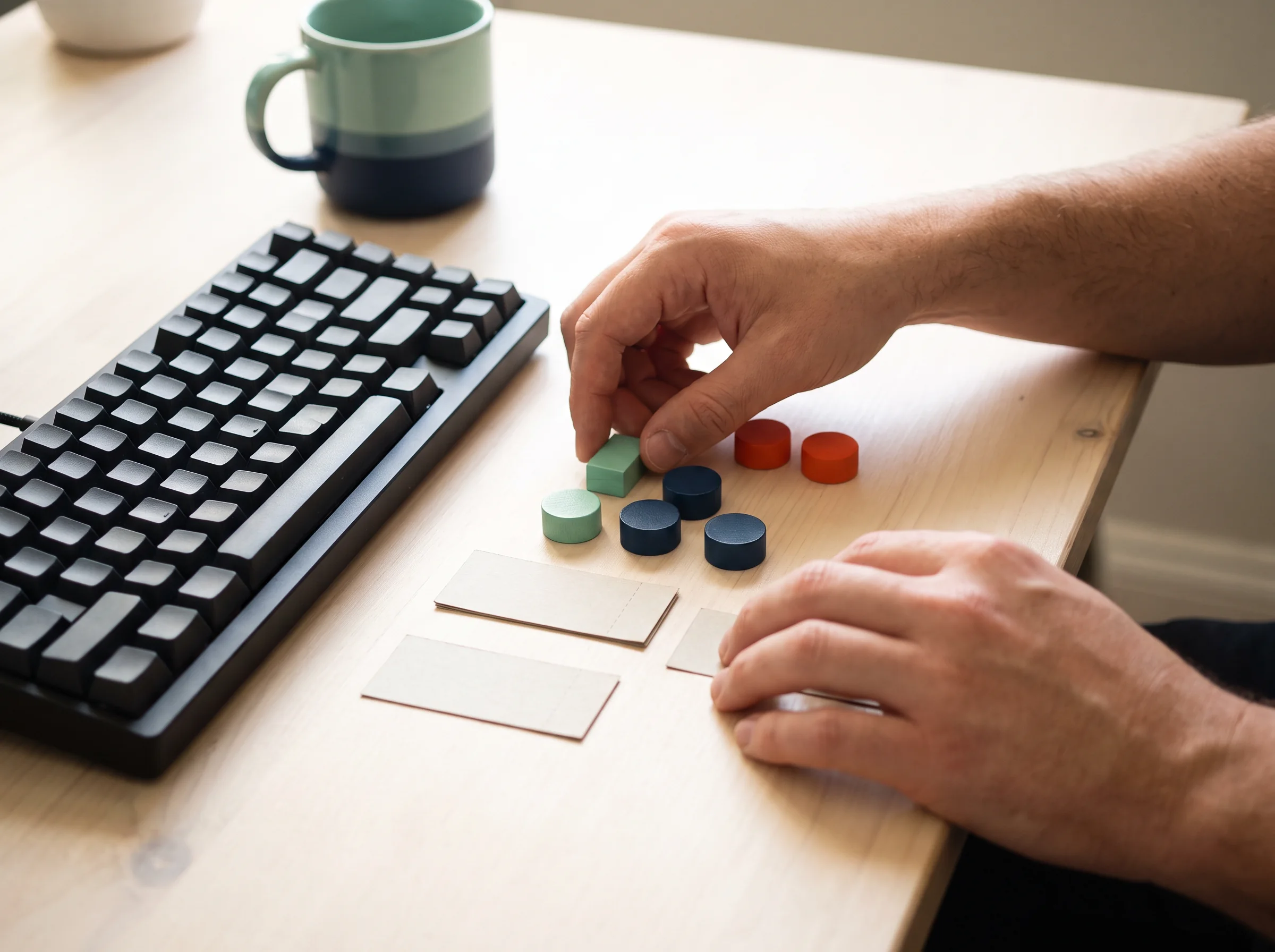
Use hierarchy, labels and states to make an interface feel less mysterious.
Routes become more useful when you can name the transfer. Choose a card to reveal a concrete way one learning mode supports another.
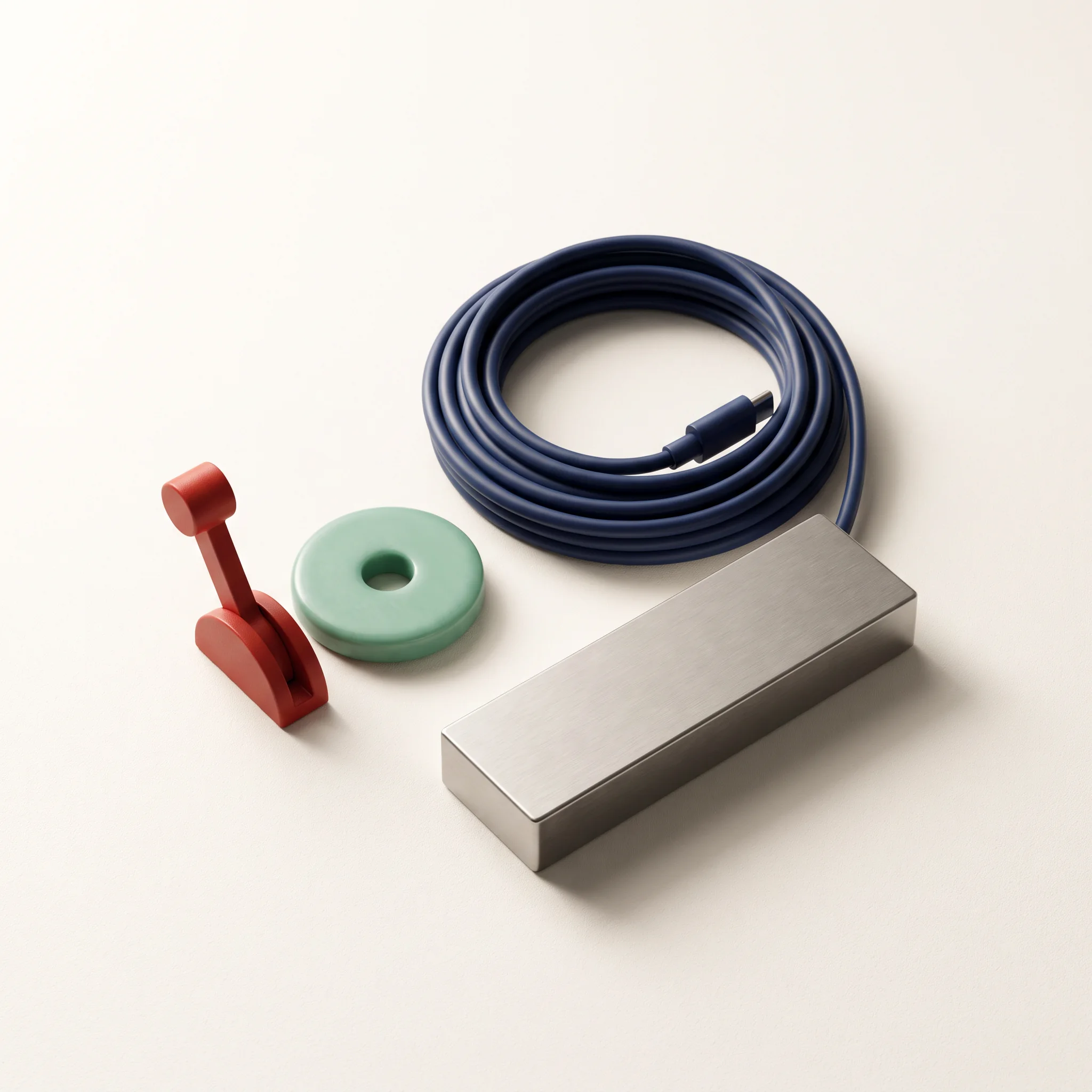
Before changing a screen or a script, learn to describe its current behavior. That observation becomes a useful note for design, data and operations work alike.
We treat a snag as information to work with. The desk below helps learners turn a vague “it broke” moment into a specific observation and a safe next action.
Ask about a route| Signal | Read it as | First move |
|---|---|---|
| Blank screen | A connection is missing. | Check the browser console. |
| Unexpected value | An assumption needs a test. | Print the input and compare. |
| Stuck request | A handoff is unclear. | Write the smallest reproduction. |
| Busy interface | The route needs hierarchy. | Remove one competing action. |
Technical learning becomes more durable when it can travel. At the handoff station, learners turn a working file into a short note: what it does, what was changed, what to check next and what remains uncertain.
Four practical answers for people deciding where to begin.
No. The entry platforms are designed to make the first technical concepts observable before they become abstract. You may arrive with curiosity, work experience, school experience or none of these. What matters most is being willing to try a small task, describe what happened and ask a precise follow-up question.
Start with the type of work you want to inspect for an hour. If making a page or tool sounds satisfying, begin with code. If comparing evidence and naming a pattern is appealing, begin with data. If you notice reliability, communication and handoffs, operations may fit. Your first platform does not permanently decide your route.
A lab has a small observable outcome: a mapped request, a page state, a checked value or a clearer support note. You work through the task in steps, compare results with the stated route and record what you learned. The point is not to race through a long lecture; it is to create evidence you can revisit.
Yes. The contact form is intended for exactly that first conversation. Tell us what kind of work you are considering, what you have already tried and where the route feels unclear. We can help you identify a sensible place to start, without treating an early choice as a permanent commitment.
Tell us what you want to understand or make. This browser-only form does not transmit personal data; it simply confirms that your route note is ready to copy into your own message.